How to pilot Knox Mobile Enrollment before issuing Samsung phones
A company orders phones for warehouse staff and sales representatives. Knox Mobile Enrollment (KME) guides each phone into the company’s management system. That system then applies settings and distributes apps. Test both steps to make sure each role receives the right configuration.
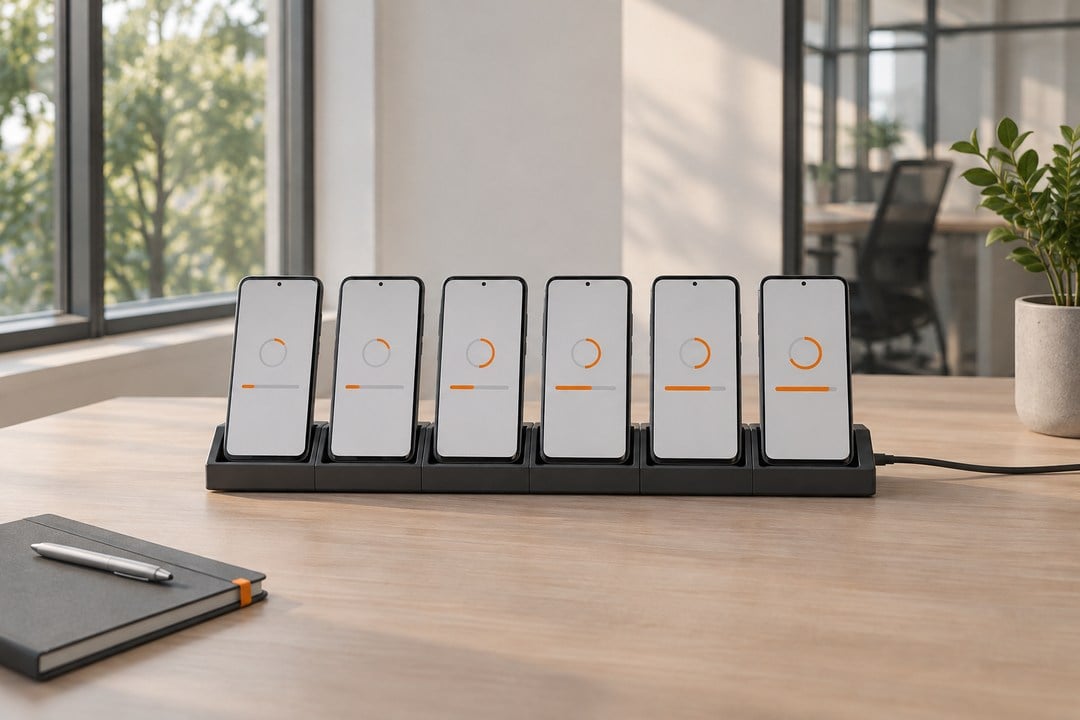
Who owns the device list?
An approved reseller participating in the Knox Deployment Program can submit purchased device identifiers to the organisation’s account. Agree customer and reseller IDs, reconcile the list against the order and nominate someone to approve uploads. Resolve discrepancies before distributing devices.
Distinguish enrolment from management
KME assigns an enrolment profile and directs the device to a supported enterprise mobility management (EMM) system. The administrator configures policies and applications in EMM. Verify support for the model, software version and management system, especially if one reseller supplies multiple roles.
Rehearse setup where the recipient works
Use the ordered model on a network available at the handover location. Have a representative user run initial setup, receive the correct profile and authenticate under company policy. An administrator on headquarters Wi-Fi may encounter a different workflow.
What should you record after setup?
A warehouse worker scans a label in the warehouse application; a sales representative opens their work calendar. The administrator checks both device records against the issue list. If a role is wrong, record the device ID, expected role and stage where the discrepancy appeared.
Where did the pilot stop?
| Symptom | First check | Evidence for support |
|---|---|---|
| Device missing from the list | Compare the order with the upload and approval status in Knox. | Device identifier and upload status. |
| Unexpected configuration | Check the enrolment profile and EMM group assignment. | Expected and actual profile names. |
| Required app is missing | Check the app assignment and distribution status in EMM. | App name and last sync time. |
Two-role pilot example
Of 40 phones, 30 are for the warehouse and 10 for Sales. Test one of each configuration. If the warehouse app works but the sales phone receives the same profile, pause distribution for the affected group. Correct the assignment and repeat the test.
Checklist
- Submitted identifiers match the purchased devices.
- Models and software versions support the intended scenario.
- A user completed setup on a network available at handover.
- Support staff know who owns the KME profile and EMM configuration.
Related solution
Review the scope and prepare your questions for an initial discussion.
Explore mobile devices and KnoxBefore you start a project

Let’s talk about your IT.

IT systems integrator based in Łódź, Poland. Hardware, infrastructure and custom software for businesses.