How to run an acceptance test for a hybrid meeting room
A room is ready when the team can run its usual meeting. Include a remote participant who can hear returning echo and tell you whether the shared content is readable.
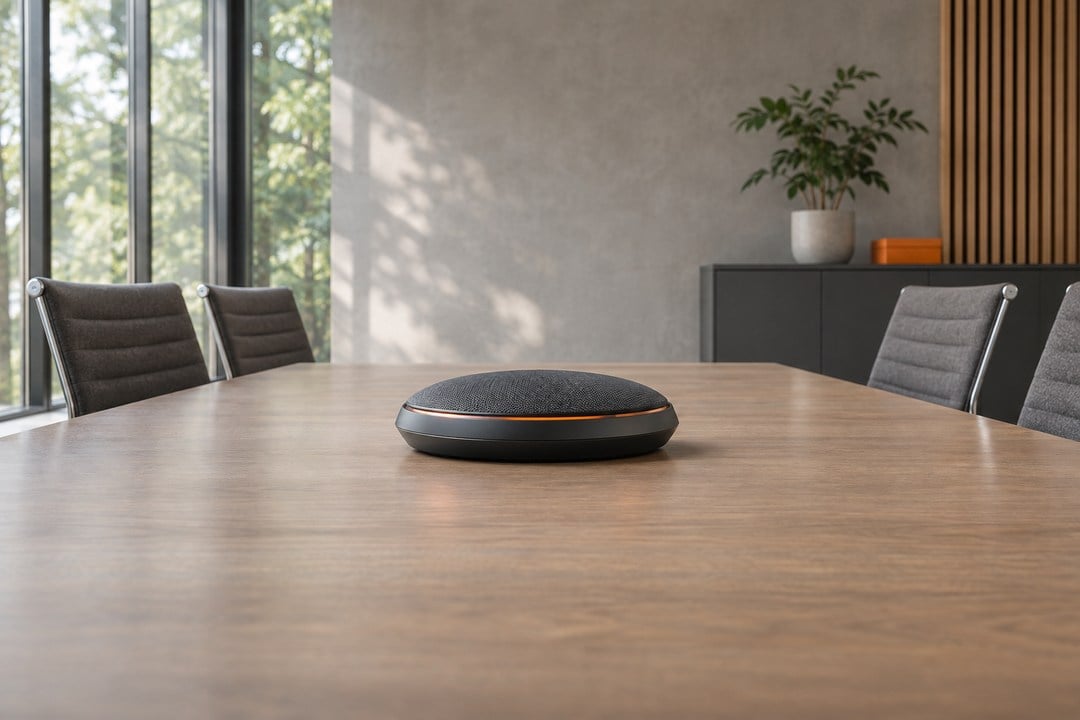
Can participants at both ends hear clearly?
Have the remote participant use a headset in another room. With normal volume and ventilation, speak from the nearest and farthest seats. Briefly talk over one another to test double-talk. Record where echo occurs or words are clipped.
Can remote participants read the presentation?
Share a typical spreadsheet from a company laptop. Ask the remote participant to read a specific value, then ask someone in the last seat to do the same. Stop sharing and check the camera view under normal lighting. These tests cover different video paths.
Ask a regular user to start the meeting
Someone outside the installation team should start and end a call. Note any point where they need instructions.
How should results be recorded?
For each test, record speaker position, equipment, meeting platform and result. “Speech drops out at the chair by the door with ventilation on” gives the installer something to reproduce. Repeat that scenario after the fix. Use the agreed measurement method if the contract requires acoustic measurements.
Checklist
- The remote participant confirmed intelligible speech.
- Camera and content sharing passed the test.
- A user ran the meeting independently.
- Results and corrective actions are documented.
Related solution
Review the scope and prepare your questions for an initial discussion.
Explore meeting room upgradesDocumentation for acceptance testing
Microsoft Learn · Teams RoomsBefore you start a project
How to choose Microsoft Teams Rooms equipment and compare AV quotes
Compare equipment, management costs and licences before fitting out several rooms.
How to size an office switch: PoE budget and uplink capacity
Calculate the power headroom and check whether the uplink can carry peak traffic from the floor to the server room.
Let’s talk about your IT.

IT systems integrator based in Łódź, Poland. Hardware, infrastructure and custom software for businesses.