NoTime. Your fleet at a glance.
Buy hardware from VESCOM and put it in employees’ hands when they need it. Check available stock, request a laptop and track its history in NoTime. Platform access is free for hardware customers covered by our support arrangements. We agree the scope of fleet services separately.
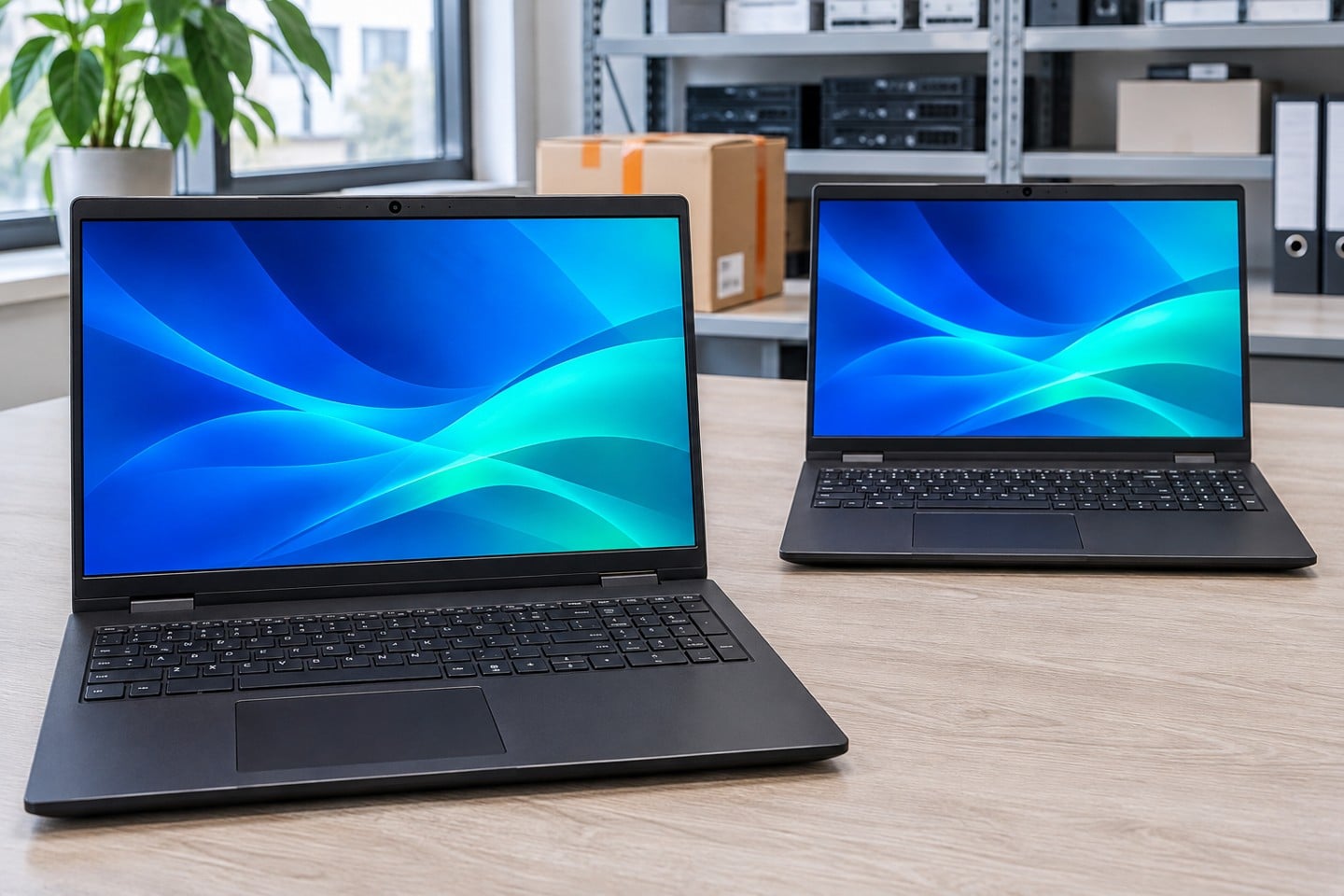
A new colleague starts on Monday. How do you get their equipment ready?
HR knows the start date, IT specifies the equipment and the warehouse packs it. Once the HR system is integrated, a request can trigger the release of an agreed kit. The team can track its status in NoTime.
12 capabilities across the device lifecycle.
From purchase to replacement, VESCOM delivers the services and NoTime helps your team manage the process.
Manufacturer pricing
VESCOM negotiates prices and configurations directly with the manufacturer for your planned hardware purchases.
Hardware financing
You can use your own budget, arrange financing with VESCOM or lease the devices. You can schedule purchases and deliveries separately.
Buffer stock
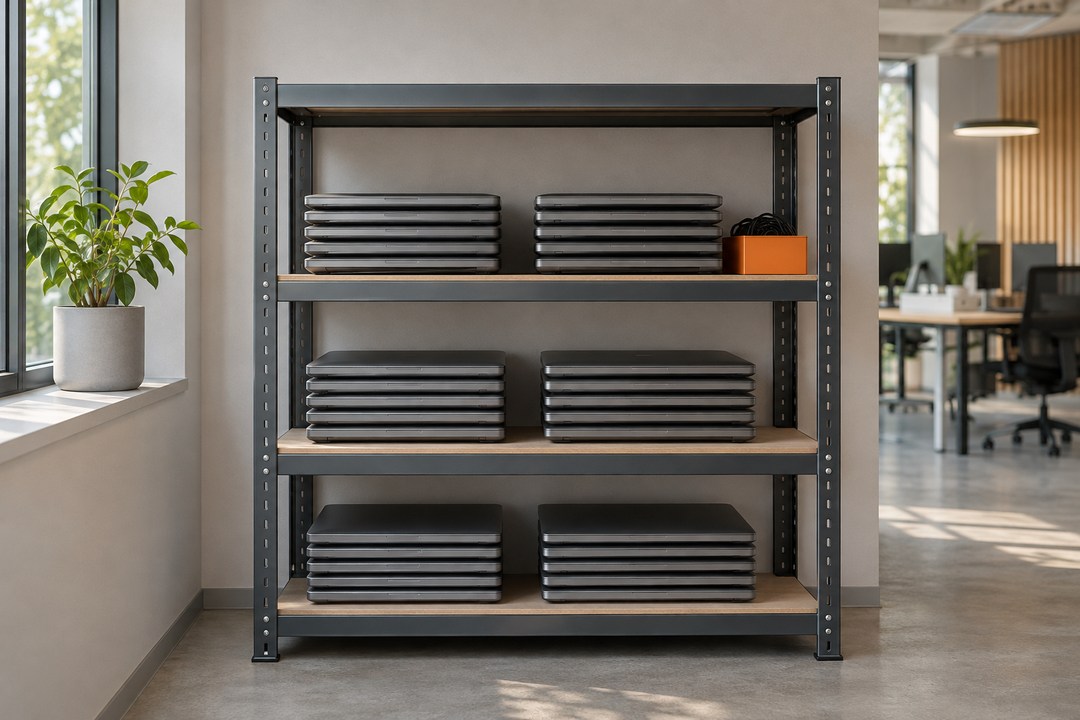
Store spare devices at VESCOM, at your distributor’s warehouse or on your own premises. When someone needs a device, request one from stock.
Stock replenishment
Set a minimum stock level. When stock falls below it, NoTime can alert an administrator or trigger replenishment automatically.
API integration
Connect NoTime to your HR, procurement or help desk system. For example, adding a new employee to your HR system can trigger a laptop request.
Zero-touch provisioning
Set up devices so they load your company settings the first time someone turns them on. Supported tools include Windows Autopilot with Intune, Samsung Knox and Apple Business Manager.
Employee welcome kits
Send a laptop, accessories, branded items and HR paperwork together. The employee receives the whole welcome kit in one delivery.
Delivery tracking
See where a device is and track its journey from the day you order it from the manufacturer to the day it ships to the employee.
Warranty claims
Report a fault and check the status of your warranty claim in NoTime, which connects to manufacturers’ service tools.
Platform customisation
Tailor views, columns, access permissions and automation rules to the way your team manages devices.
Device retirement
Choose what happens to a retired device. NoTime supports employee buybacks, external resale, and disposal with data destruction.
Forecasting and budgeting
Use purchase and buyback history to plan replacements and budgets. Build reports by device type, user group or serial number.
How does NoTime work?
Batch pricing. Delivery when you need it.
VESCOM negotiates a batch price with the manufacturer. Reserve the agreed models for a set period and take delivery as needed.
How do you pay for the equipment?
Buy outright, lease or arrange financing with VESCOM. Depending on the agreed terms, you may reserve stock without paying for the entire batch upfront and settle individual orders before dispatch.
Where is stock held?
We agree financing and storage separately. Devices can be held by you, VESCOM or the distributor. Low-stock alerts or automatic replenishment can be arranged.
Dispatch and tracking
An authorised person requests dispatch. An HR or IT system can also initiate the process once an appropriate API integration has been agreed.
Device history, reporting and service
Search by model, user or serial number. Review past assignments, request a warranty repair and use reports to plan replacements.
Welcome kit assembly
We can pack devices, accessories, documents and branded merchandise into a single kit for each recipient. We agree the contents and work involved with you.
From a batch purchase to an individual shipment
Purchase a batch
Suppose you buy 30 laptops. We agree where they will be stored, what goes in each kit and who can request one.
Request one shipment
When someone joins the company, an authorised colleague specifies the recipient and address. The remaining devices stay in stock.
Check the assignment
IT can see which serial number was assigned to the employee. We agree the delivery schedule and proof of receipt separately.
Frequently asked questions
Access is free for customers covered by VESCOM support who buy IT equipment from us. Hardware, configuration, shipping and additional services are priced according to the order.
No. Send our Sales team your requirements to buy laptops, monitors or peripherals directly.
Yes. Customer-owned stock can be kept at a VESCOM warehouse under individually agreed terms.
The agreed kit can include accessories, paperwork, a handover form and materials for a new employee.
Timing depends on the storage location, preparation, delivery address and agreed service level. We confirm the schedule when quoting.
Use the NoTime sign-in link on this page to access your existing account.
One employee, one complete kit
With NoTime, devices, accessories and branded items can travel in one box. For example, an employee can receive a laptop, dock, headset, company notebook and welcome card together.
What do we agree before packing?
Specify the contents and quantities for each variant, branded materials and delivery locations. Together we agree on labelling, packaging and what to do if an item is missing. A sample kit can be approved before a larger run.
Discuss a kit for your teamFrom an HR request to a replacement laptop
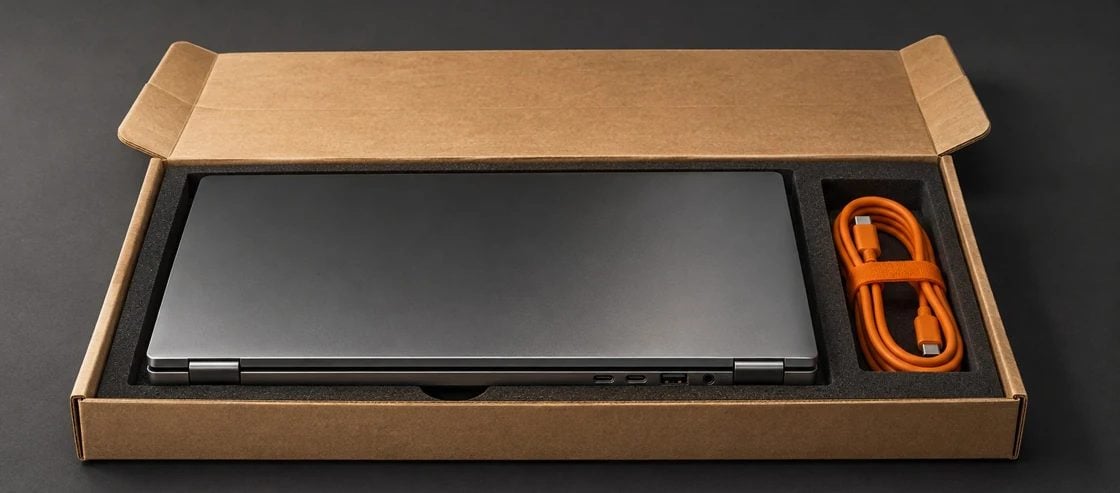
Request from HR or IT
Once the API integration is in place, a request can trigger dispatch. We first agree who may authorise a shipment and under what conditions.
The first day
We pack the laptop, accessories and HR documents. You can track delivery. With the right deployment setup, the laptop can receive its company profile on first start, for example through Windows Autopilot.
Repairs and retirement
Request a warranty repair in NoTime. When retiring a device, discuss resale, an employee purchase or disposal with data destruction.
Planning the next purchase
Device histories can be found by model, user or serial number. Use them to plan replacements and budgets.
See NoTime in action

NoTime platform lead
Bartosz Pankiewicz
In an online or on-site demo, Bartosz will walk you through an HR request, issuing a laptop from stock and tracking delivery.
Contact Bartosz on LinkedIn to book a demoRelated service
Laptops, workstations, monitors, smartphones and accessories. Get help choosing a configuration and a quote with a delivery date.
Hardware salesBefore you start a project
How to test a laptop deployment with Windows Autopilot
Test registration, profile assignment and an employee’s first task before ordering a full batch.
How to connect HR to laptop fulfilment without shipping a second device
Design retries, amendments and status reconciliation between HR and fulfilment.
How many spare laptops do you need? A reorder model for IT and procurement
Calculate the reorder point and decide whether an incoming delivery will cover demand.
See the platform in a working example.

IT systems integrator based in Łódź, Poland. Hardware, infrastructure and custom software for businesses.