What to check before upgrading a server room
A company plans to replace servers supporting ordering, accounting and sign-in. To size the new equipment and plan downtime, first establish how the services depend on each other, how they behave at peak load and who will check them after cutover.
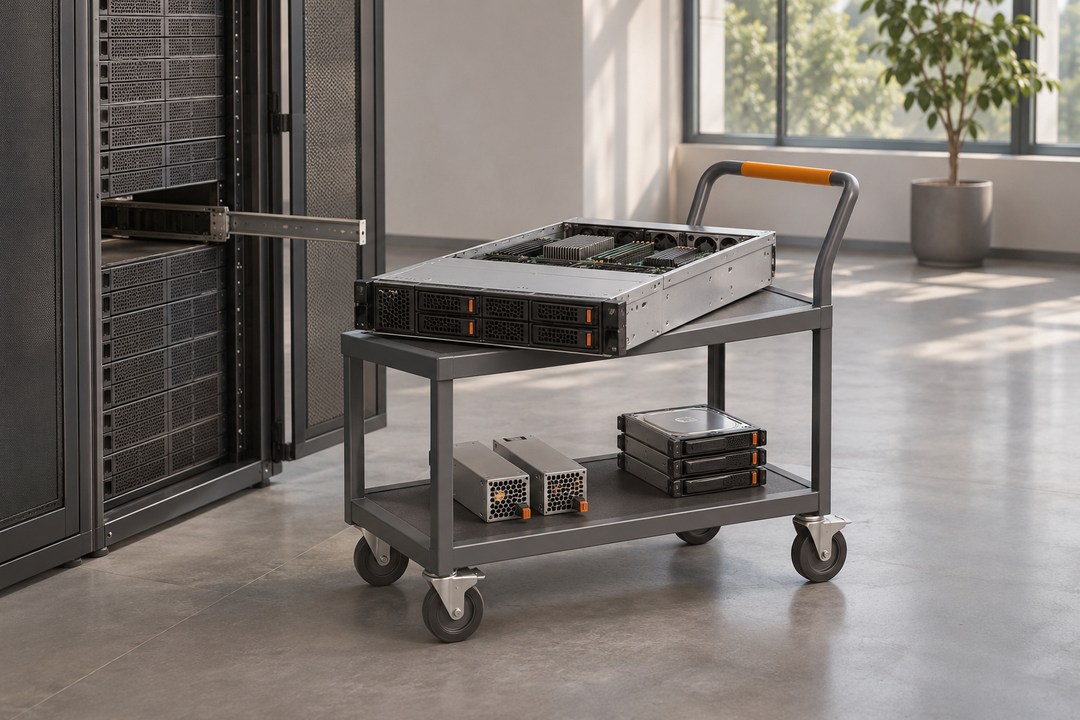
What does the first transaction depend on?
Choose a service such as order entry. Trace sign-in, product lookup, order creation and transfer to the warehouse. Give each dependency an owner and a test. This can expose a forgotten integration still using the old server address.
Which measurements does the designer need?
Collect a typical week and a peak period such as month-end. Alongside disk capacity, measure read and write latency. Record CPU and memory utilisation, network traffic and expected data growth. Specify whether the target load must be sustained with one node unavailable.
Agree acceptable downtime
Record the maximum service interruption and the oldest acceptable recovery point separately.
When is it still safe to roll back?
Set a rollback decision deadline, identify who can make the call and allow time to execute it. Once the new environment accepts orders, the old database may be missing them. Rehearse reconciliation before redirecting users. A business owner should verify a complete transaction at acceptance.
Checklist
- The service inventory identifies owners.
- The migration window and timing constraints are known.
- Test data has been chosen in advance.
- Acceptance and rollback procedures are agreed.
Sources and documentation
Related solution
Review the scope and prepare your questions for an initial discussion.
Discuss infrastructure and cloudBefore you start a project
Does your recovery test meet your RPO and RTO?
Measure data loss and downtime in a worked example involving an order system.
How to size an office switch: PoE budget and uplink capacity
Calculate the power headroom and check whether the uplink can carry peak traffic from the floor to the server room.
Let’s talk about your IT.

IT systems integrator based in Łódź, Poland. Hardware, infrastructure and custom software for businesses.