RUVRE. Review a 3D project together
One shared model for design decisions
RUVRE (Remote Universal Virtual Reality Rendering Engine) brings clients, designers and contractors into a shared 3D scene. During a construction or industrial project review, participants can see changes live and point out exactly where a question arises.
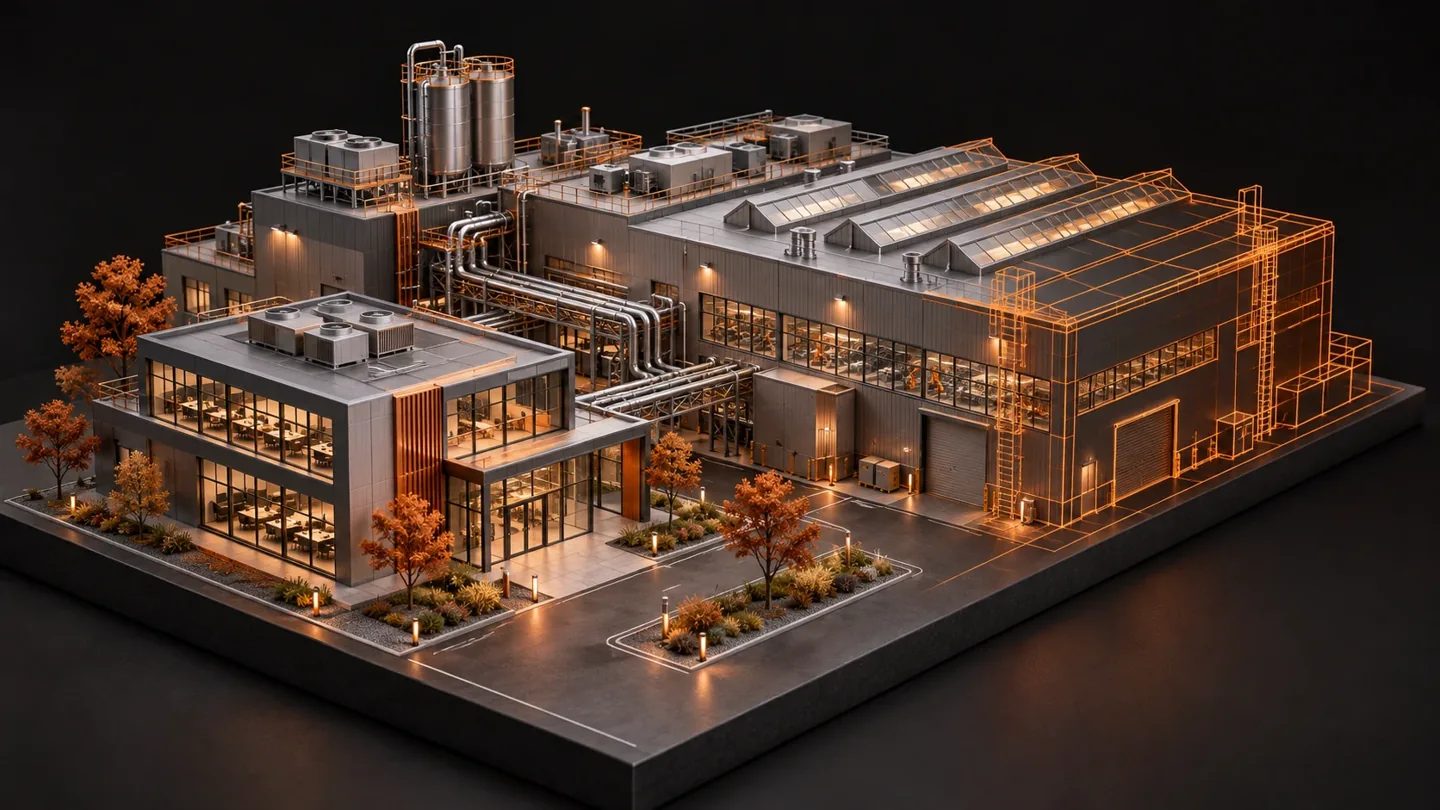
Watch a RUVRE field test
The product team filmed a field test of SLAM, or simultaneous localisation and mapping. To discuss reviewing your own model, book a separate demonstration with Filip Wróbel.
Watch the RUVRE field testHow does RUVRE work?
Bring everyone to the same viewpoint
Participants can follow a colleague’s viewpoint and see where others are in the scene. Switch between perspective, orthographic and walk-through views to examine the design.
Measure and section the model
Measure distances and areas. If a wall hides an installation, use multiple section planes or a clipping volume to expose it. Point to the component, draw in the scene or leave a comment.
Explore daylight and artificial light
Change the sun’s position to compare daylight in a room at different times of day. RUVRE also uses ray tracing to simulate artificial lighting inside and outside the building.
A model review session
Open a section of the model
For example, the team may need to check where services are routed in a particular room.
Inspect a detail
A participant points to a component, measures a distance and attaches a comment at that location.
Agree the next action
Decide who will assess the change and what information the next review will require.
Frequently asked questions
View the model in the Windows or Android app. The Windows client also supports VR. You can take part in a shared review using a regular screen.
Yes. Development and pre-deployment reports are available through RepOD. Links appear on this page.
Tell us the file type and scope. We will confirm whether we can use a representative section and how to share it safely.
See RUVRE in action

RUVRE project lead
Filip Wróbel
Filip will show you how to review a 3D model together, flag a detail and discuss it with the client. When booking, tell us what you want to review and who will attend.
Book a RUVRE demo with FilipRUVRE project reports in RepOD
Explore the features and watch the field test on the RUVRE site (in Polish)
Related service
Digital building models, collaborative 3D reviews and building systems.
Digital twins and buildings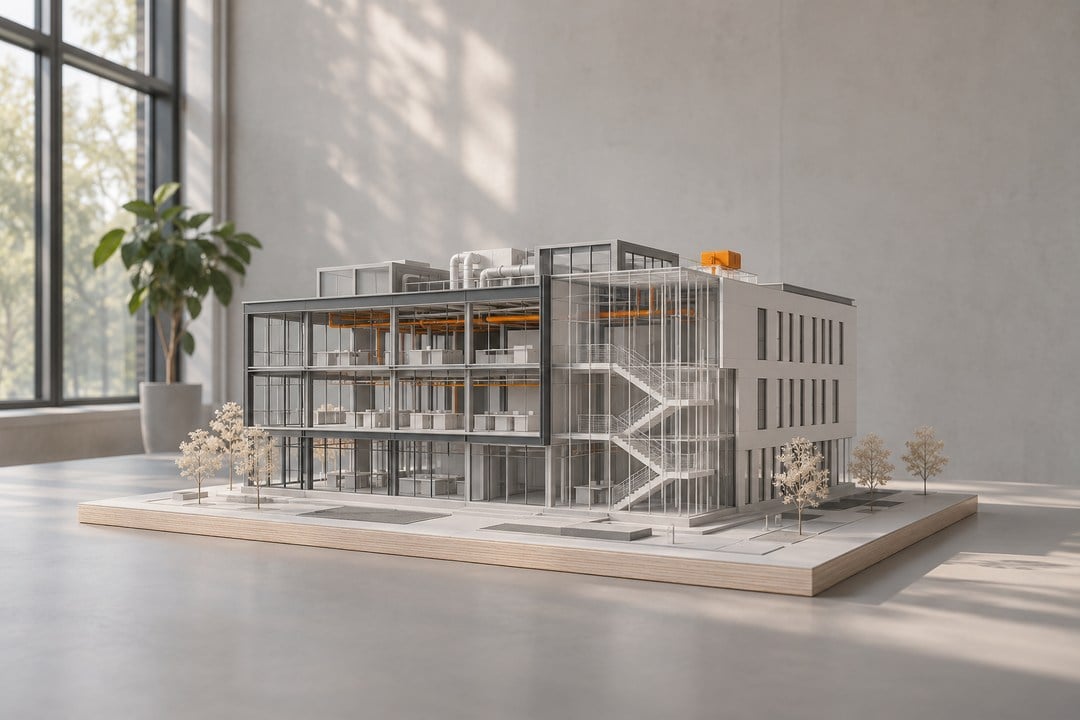
See the platform in a working example.
IT systems integrator based in Łódź, Poland. Hardware, infrastructure and custom software for businesses.
in VESCOM on LinkedIn