How to choose Microsoft Teams Rooms equipment and compare AV quotes
A camera may capture everyone at a long table while remote participants struggle to hear the person at the far end. Start with the meetings people run and the physical room. Then compare equipment, licences and ongoing support on the same basis.
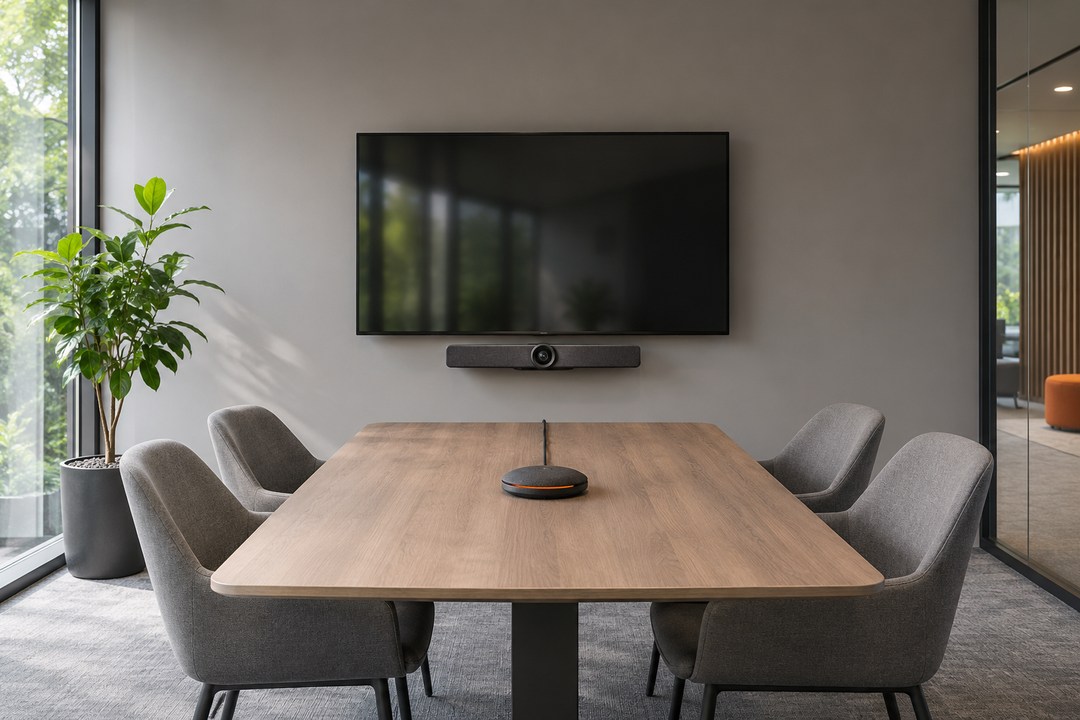
What should the room brief include?
Provide a dimensioned plan and photos from the camera position and farthest chair. Mark windows, whiteboards, presenter positions and cable routes. Describe two regular activities: a seated discussion and, for example, a workshop where the presenter moves between the screen and board.
When do we need additional microphones?
Measure the distance from the farthest speaker and compare it with the proposed pickup range. For a long room, request an option with microphones closer to participants, including cabling. Ask a remote listener to assess speech with the usual ventilation running. Glass surfaces, background noise and reverberation can all affect intelligibility.
Room account or meeting from a laptop?
A Teams Rooms system joins using its own resource account and requires an appropriate Teams Rooms licence. In a bring-your-own-device setup, the host joins from a laptop using the room’s camera, microphones and speakers. Specify which experience you need and compare installation, licences, functionality and support over the same period.
Which room should host the pilot?
Choose a room representative of the spaces where you will repeat the installation. Identify what would justify an upgrade, such as showing a detailed spreadsheet while remote participants remain visible. Have regular organisers run their own meetings before standardising the design.
What changes the purchasing decision?
| Condition | Question for the supplier | Compare in the quotes |
|---|---|---|
| Long table | Can remote listeners hear the person at the last seat? | Pickup range, extra microphones and cable routes. |
| Regular workshops | Can remote attendees read the whiteboard? | A sample image and the required camera position. |
| Several offices | Who notices if a room at a branch stops working? | Licensing, monitoring and support responsibilities. |
Example purchasing decision
Two rooms each seat eight. In the long rectangular room, an extra microphone makes speech at the far end intelligible. In the smaller room with a round table, both configurations pass the same listening test. The test supports buying the extra microphone only where it makes a difference.
Checklist
- The brief includes dimensions, photos and the distance to the farthest speaker.
- The two most common meeting types are documented.
- Both quotes cover installation, licensing and support over the same period.
- IT understands the account and network requirements.
Related solution
Review the scope and prepare your questions for an initial discussion.
Explore meeting room servicesBefore you start a project
How to run an acceptance test for a hybrid meeting room
Test audio, video and screen sharing from both ends of a call.
How to size an office switch: PoE budget and uplink capacity
Calculate the power headroom and check whether the uplink can carry peak traffic from the floor to the server room.
Let’s talk about your IT.

IT systems integrator based in Łódź, Poland. Hardware, infrastructure and custom software for businesses.